YABANDPAY · DOCUMENTATION
Pay by Link
Create single-use payment links and share them with customers by copying the link or sending an email.
Use Pay by Link to generate a payment link for your customer, then copy and send the link or email it directly.
When sending the link by email, you can also add attachments such as an invoice.
Once the link has been paid, it cannot be used again.
To create a one-time payment link:
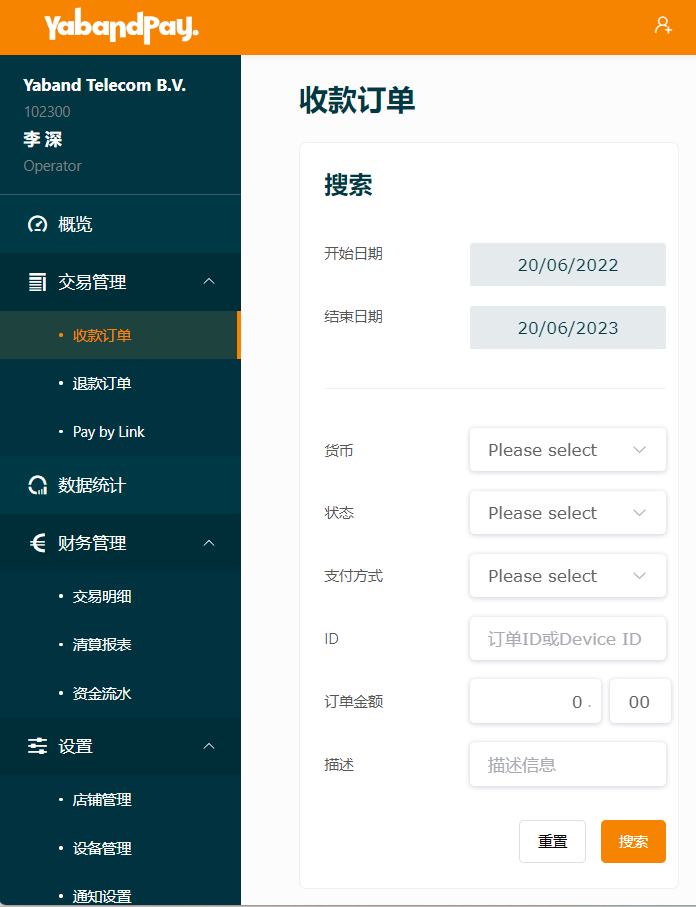
- Select Transaction Management > Pay by Link.
- Complete the form to generate the payment link.
- Select Confirm.
- Copy the link and send it to your customer if you have not chosen to send it by email.