
YABANDPAY · DOCUMENTATION
Company Information
View company information, switch between linked companies, and understand bank account change permissions.
1. Company Information
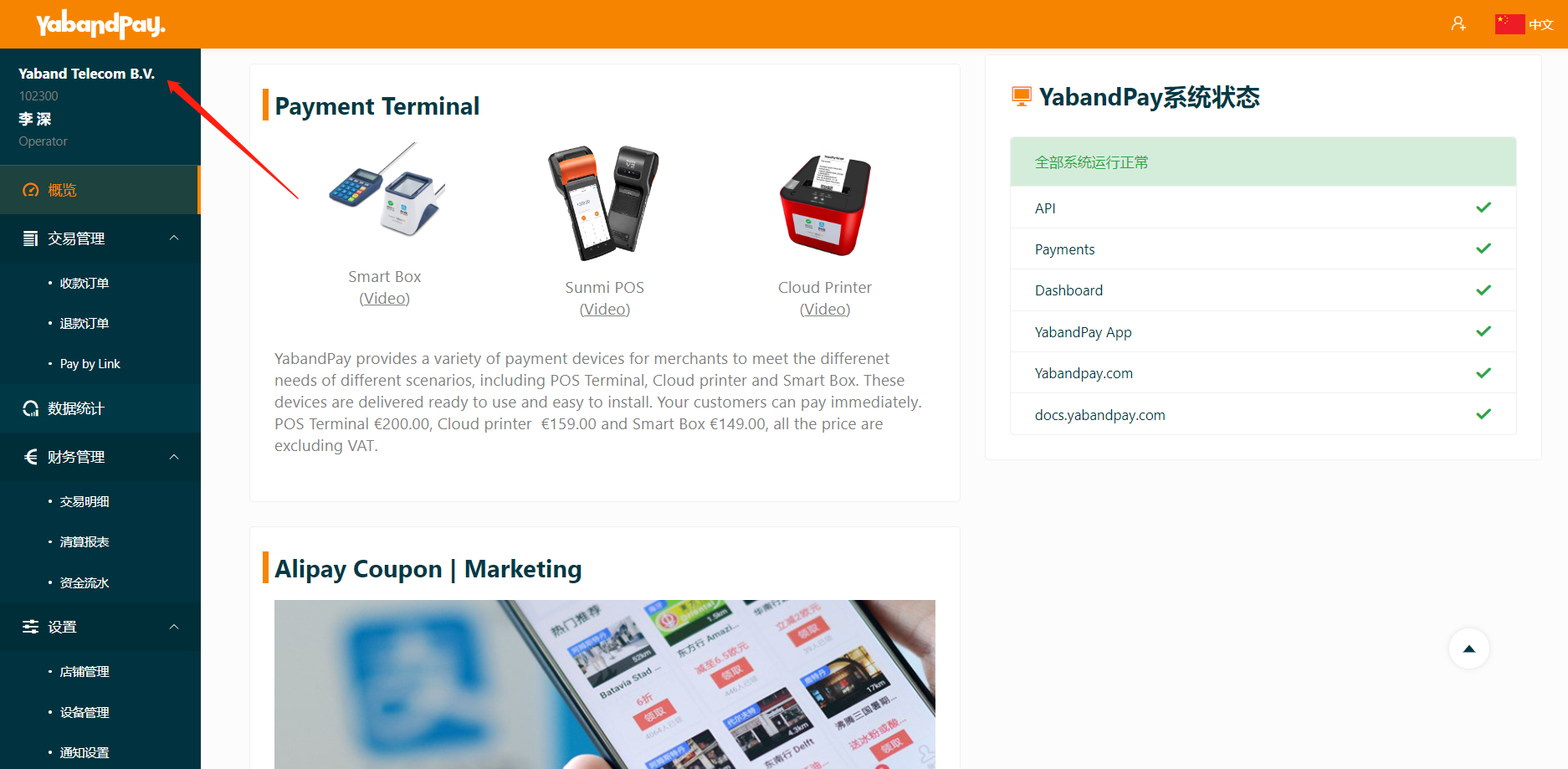
Click the company name in the upper-left corner to view the company information for your account.
If your account is linked to multiple companies, you can also switch between them here.
The information includes basic details, business details, ultimate beneficial owners, and bank account details.
2. Company Bank Account
Each merchant account can be linked to only one bank account.
You can view the currently linked bank account details on the Company Information page.
To change the bank account, only an Admin account can submit a change request under “Settings” > “Bank Account”. The change takes effect after approval. Operator accounts cannot submit change requests.