YABANDPAY · DOCUMENTATION
Invoices
View and download monthly fee invoices and configure the email addresses that receive them.
1. Overview
In the merchant portal, click “Finance” > “Invoices” to open the invoice management page.
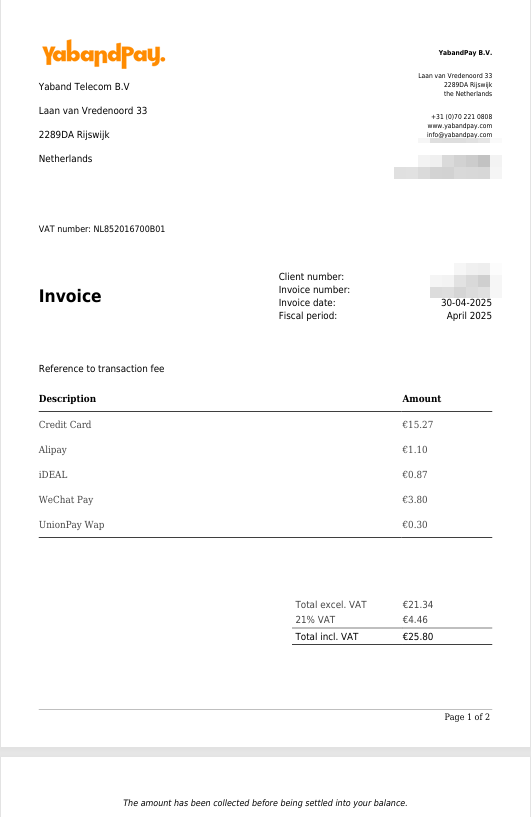
On this page, you can view and download fee invoices for charges collected by YabandPay, for bookkeeping, audits, or tax filing.
Each invoice is generated by calendar month in PDF format and can be retained and archived for the long term.
2. Invoice Contents
Invoices record the charges incurred by merchants for using YabandPay services during a specified financial period, such as transaction fees. Each invoice is provided as a PDF for accounting and tax filing.
Under “Settings” > “Notification Settings”, enter one or more email addresses in the Funds Settlement Notifications section. The system will automatically send each newly generated invoice to these addresses.