
YABANDPAY · DOCUMENTATION
Payment Integration
Learn about in-store payments, online API and plugin integration, and where to find cashier credentials.
1. In-store payments
YabandPay provides payment devices, including POS terminals, to help you accept payments. Contact us if you need a terminal.
Select Settings > Device Management to view all payment devices in your account, including the device type, store name, cashier account and enabled status. You can also add or remove payment devices.
2. Online payments
API
Use our APIs to integrate YabandPay payment methods into your online store, App, WeChat Mini Program or Alipay Mini Program.
API documentation: API documentation
Payment plugins
We provide payment plugins for several open-source e-commerce platforms (CMSs). Browse our payment plugins page at https://yabandpay.com/plugins_category/all-plugins-en/, choose a suitable plugin and integrate YabandPay payment methods into your online store.
3. Secret Key
Both API and payment plugin integrations require a cashier account and its Secret Key.
To find the key for a cashier account:
- Select Settings > Store Management.
- Open the cashier account page.
- Select Secret Key to copy the key.
Keep your Secret Key secure and do not disclose it to any third party.
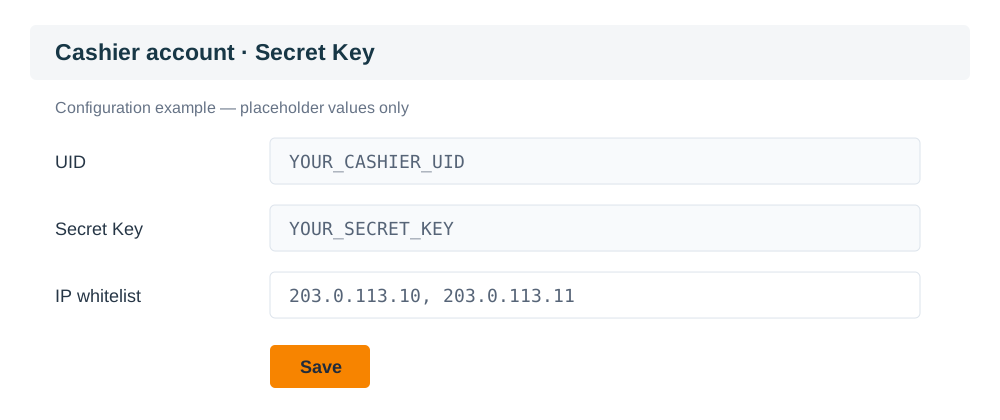
This illustration uses placeholder UID and Secret Key values only.