
YABANDPAY · DOCUMENTATION
02 Open Complete information
Find the information-completion section and read the authorisation and information-accuracy declarations.
Find the information-completion section
Path: Merchant portal → Complete information in the left navigation → Instructions.
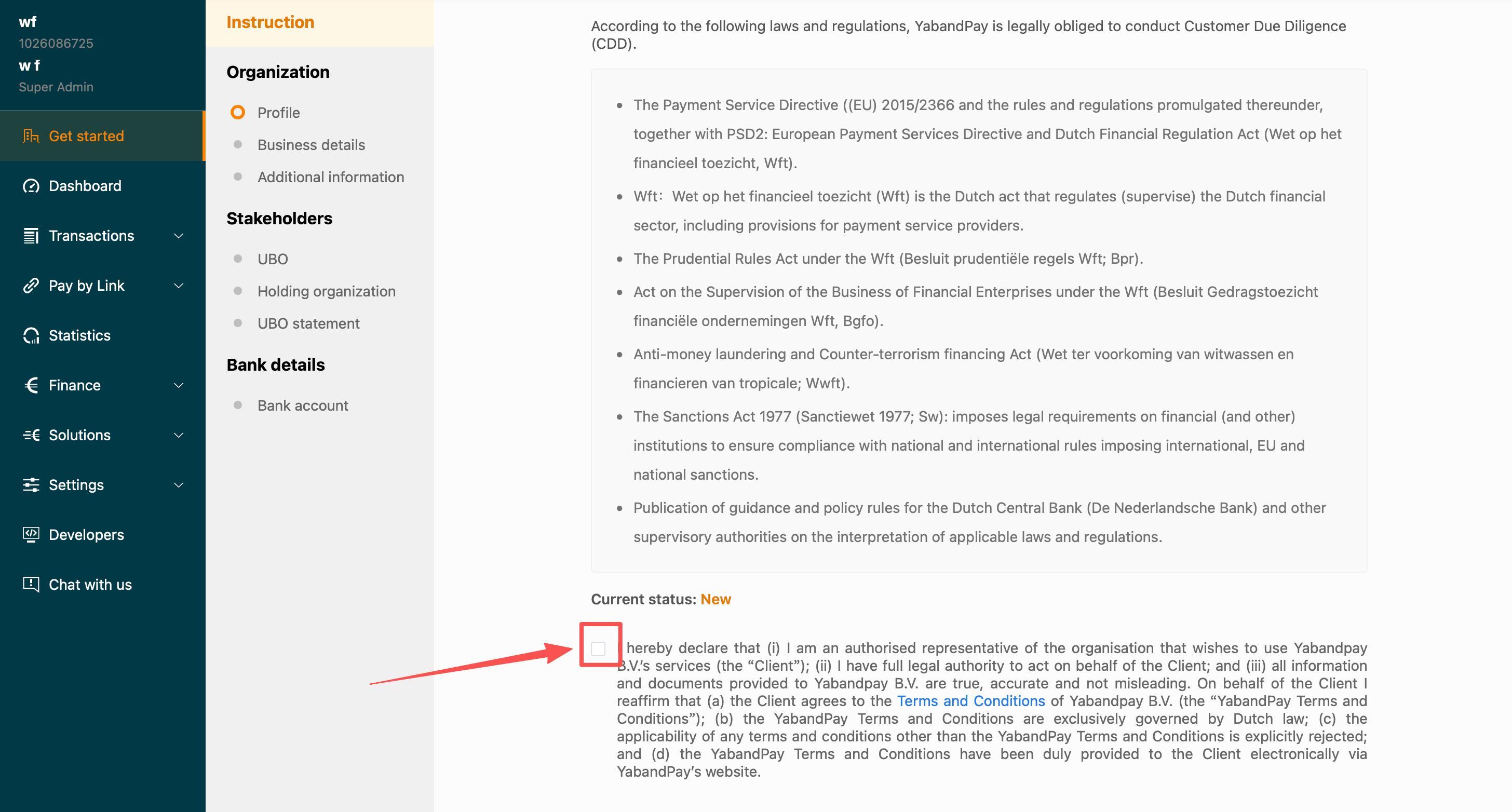
- After logging in, find Complete information in the left navigation.
- Read the instructions and the declarations about authorisation, accurate information and applicable terms.
- When the declarations match your circumstances, confirm them and select Submit on this page. Continue completing the other sections.
- Review the outstanding items under Company information, Stakeholders and Bank information.
Submitting the instructions page does not submit the complete onboarding application.
Newin the source screenshot is only the status displayed at that time, not proof that your application has been approved.
Check before continuing: You have read and confirmed the instructions and can locate Basic information, Business details, Ultimate beneficial owners and UBO declaration.