
YABANDPAY · DOCUMENTATION
08 Obtain and upload the UBO-Erklärung
Prüfen Sie die geltende Vorlage und die Anforderungen an die Unterzeichnung, bevor Sie die Erklärung kontrollieren und hochladen.
Menüpunkt für die UBO-Erklärung finden
Path: Complete information → Stakeholders → UBO declaration.
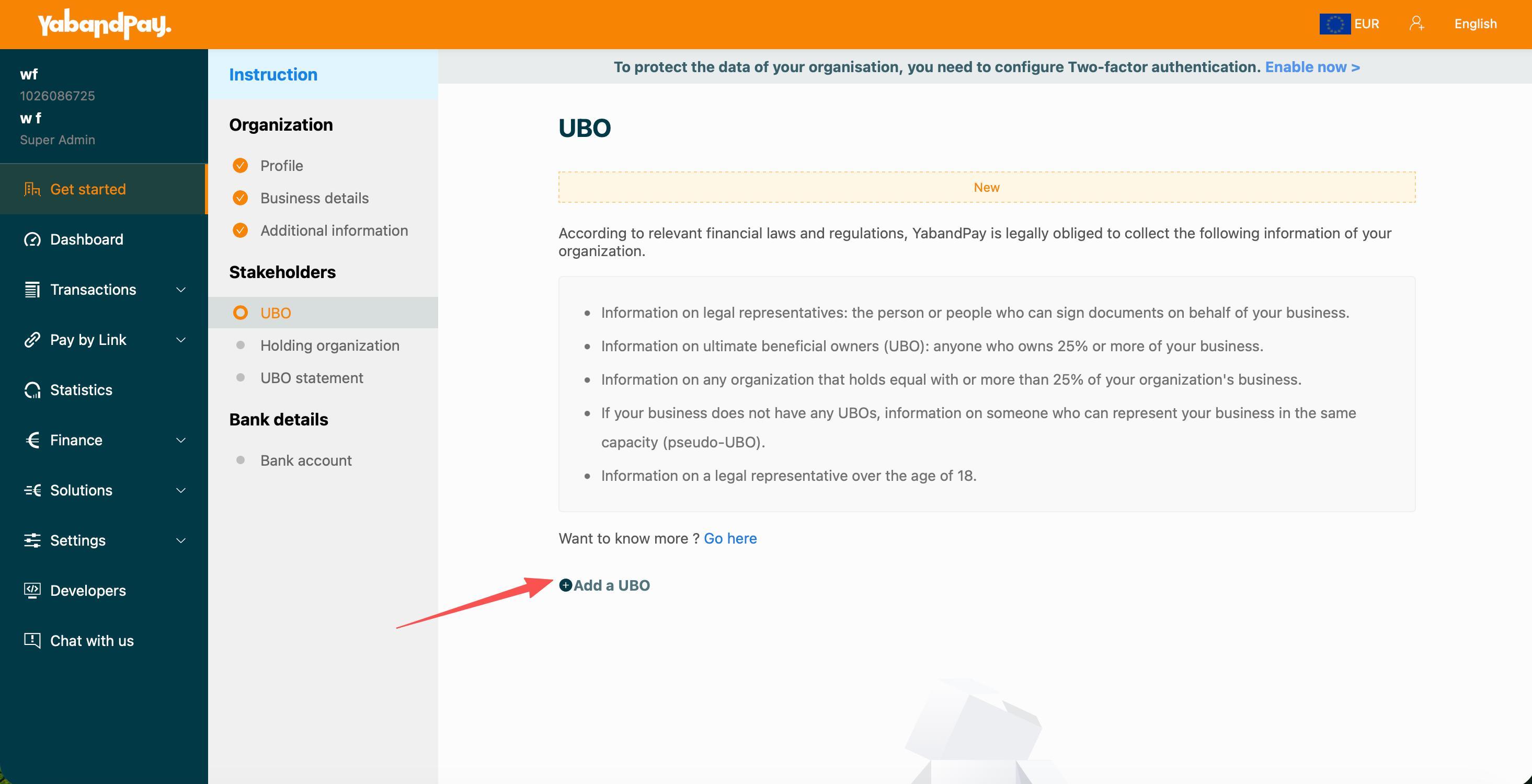
This verwendet erneut das Bild aus Schritt 06's beneficial-owner instructions screen only to locate the menu entry; it is not the declaration form. Page 4 of the original includes a step title but no template, declaration-form screenshot or complete instructions.
Confirm requirements before completing and signing
- Obtain the template: Open UBO-Erklärung in the portal and read the instructions. If no usable template is supplied, request one from the Onboarding-Team and confirm its version.
- Verify the contents: Check company, personal and ownership/control information against the template, keeping it consistent with earlier entries.
- Complete and upload: Follow the confirmed requirements for signing, dates and stamps, then upload according to the live instructions and check the result.
This is a preparation sequence, not a substitute for the Onboarding-Team's requirements. The source does not specify the template source, signatory, signing method, stamp requirement, acceptance of electronic signatures or file-size limit.
Questions to confirm together
- Which template and fields are required?
- Who signs, and are a date, company stamp or other attachments required?
- Are scanned handwritten signatures or electronically signed files accepted?
- How should multiple UBOs or layered ownership structures be declared?
- Which file formats, sizes and counts are allowed?
Vor dem Fortfahren prüfen: The template and signing method are confirmed, declaration information matches earlier entries and the file is uploaded as required by the portal.